Here is my second draft for my Front Cover, Contents and double page spread.
These are examples of the tools which i used to help me create my product.
The main use of the Lasso tool was to cut exactly around the models head who is covering the masthead. I did this as otherwise he would of been underneath the masthead. The way in which i did this was hiding the masthead layer and using the lasso tool to select the area which was the models head then copy this and duplicate it on a separate layer. I then moved this second layer above the mastheads layer and then removed the hide feature on the mast heads layer, Thus creating the effect we see on the front cover.
The crop tool was used when creating the double page spread. I used it to extend the canvas of the image to the designated size to allow the room which i created for the main body of text. i then selected a the new are which i had created and used the gradient tool to create the subtle change from the pristine white of the infinity wall to the slight grey we see behind the text to give some color variation to the whole piece.
The Healing brush was used throughout my magazine to correct any skin blemishes to create the smooth Photoshop look we see with magazines. This tool uses content aware to correct any discoloration and effectively removing them from the image.
The text tool is very self explanatory in its use as i used it to create the text seen throughout the magazine. The tool mixed with the transform tool allowed for more manipulations and size options to more accurately fit the text into my magazine.
The Drop shadow tool was used again throughout my magazine to give the all the various sections depth and not have the magazines look so 2 dimensional. It also allowed me to create a more collaged feel to my magazine which is a concept i wished to go for as it feels more free flowing and interactive.


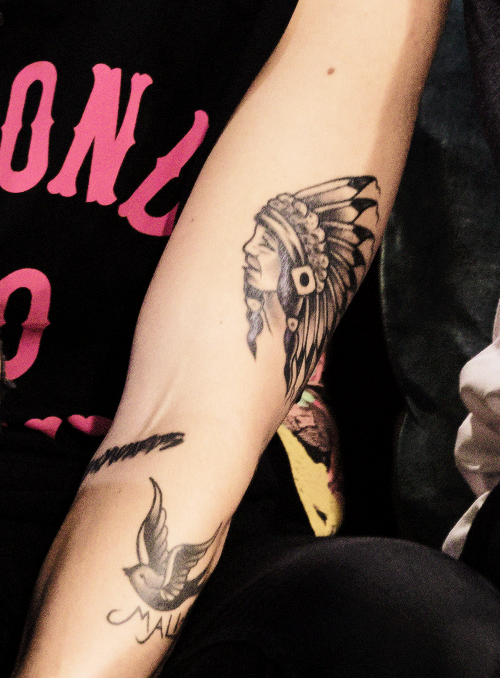
 This is the band 'Moose Blood' We can see that the whole band are wearing skinny/spray on skinny jeans either in a dark blue or black with the majority of the band wearing t shirts and the drummer wearing a simplistic band t shirt. We can also clearly see some of the band sporting partial to full tattoo sleeves. From this i began to gather that i may need to incorporate tattoo designs within the artists which i was created as i could see from my research that they are quite a popular and regular thing to see within the pop punk genre. The specific style which seemed to be preferred by already existing artist is traditional tattoos, such as sailor Jerry styles and roses.